Windows 10 & Windows 11
- In search bar, type: about
- Look under the "Device specifications" for "Device Name"
For example:

Mac
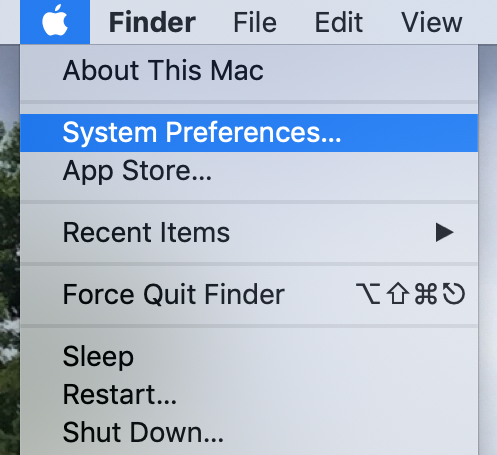
- Click the Apple Menu , located in the upper left-hand corner of the screen.
- Select System Preferences.
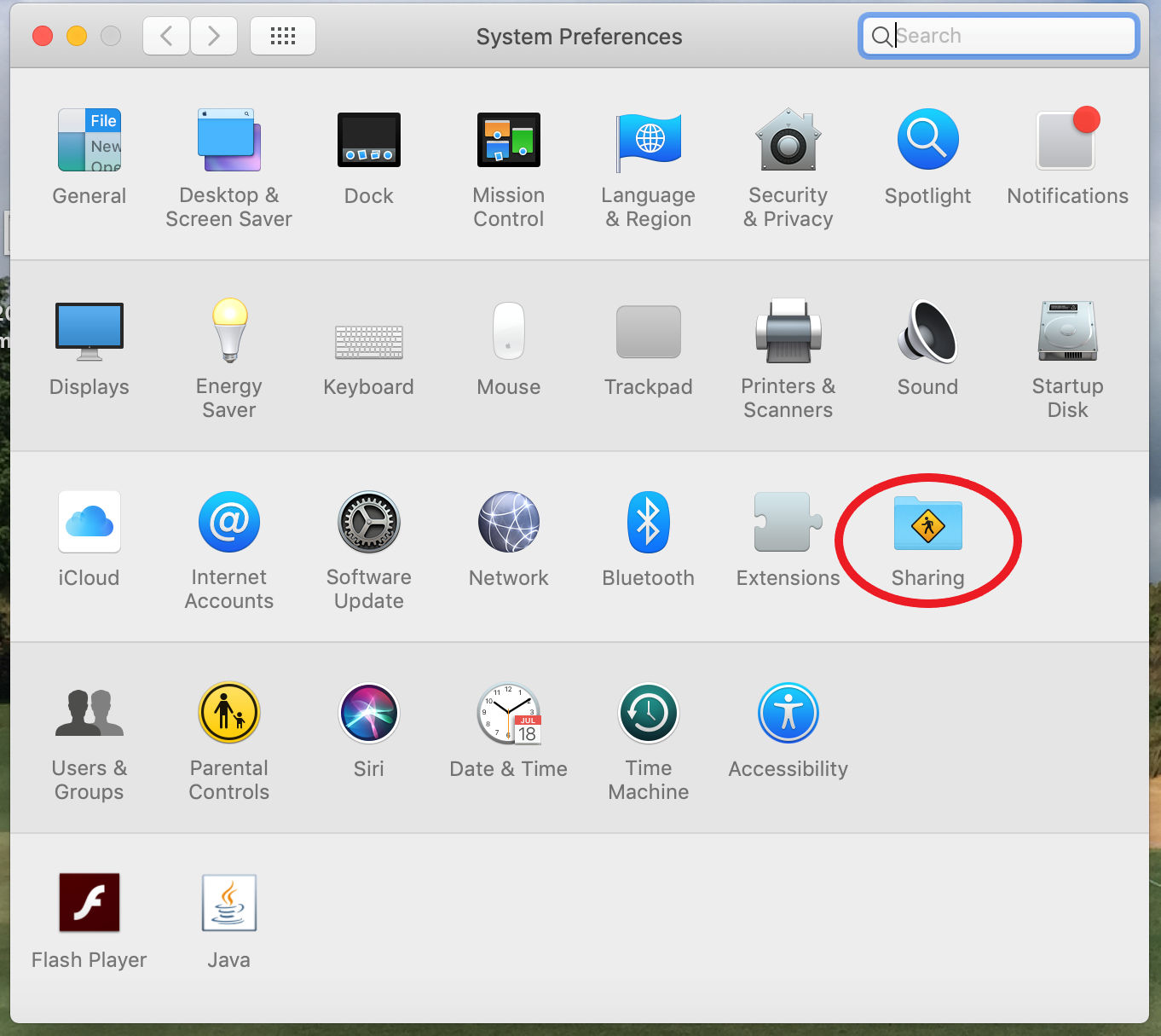
- Click Sharing.
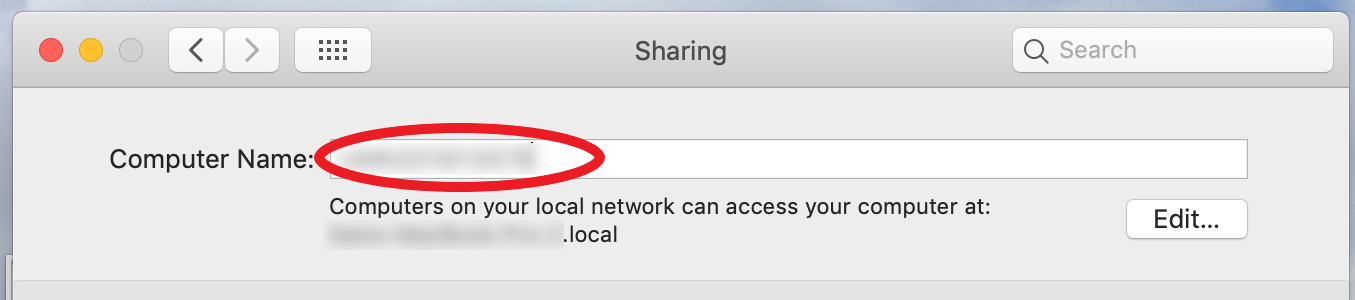
- Computer Name should be located at the top of the Sharing window.